📨 How to Create a Proton Mail Account
1️⃣ Start the signup process:
- Go to Proton Mail Signup.
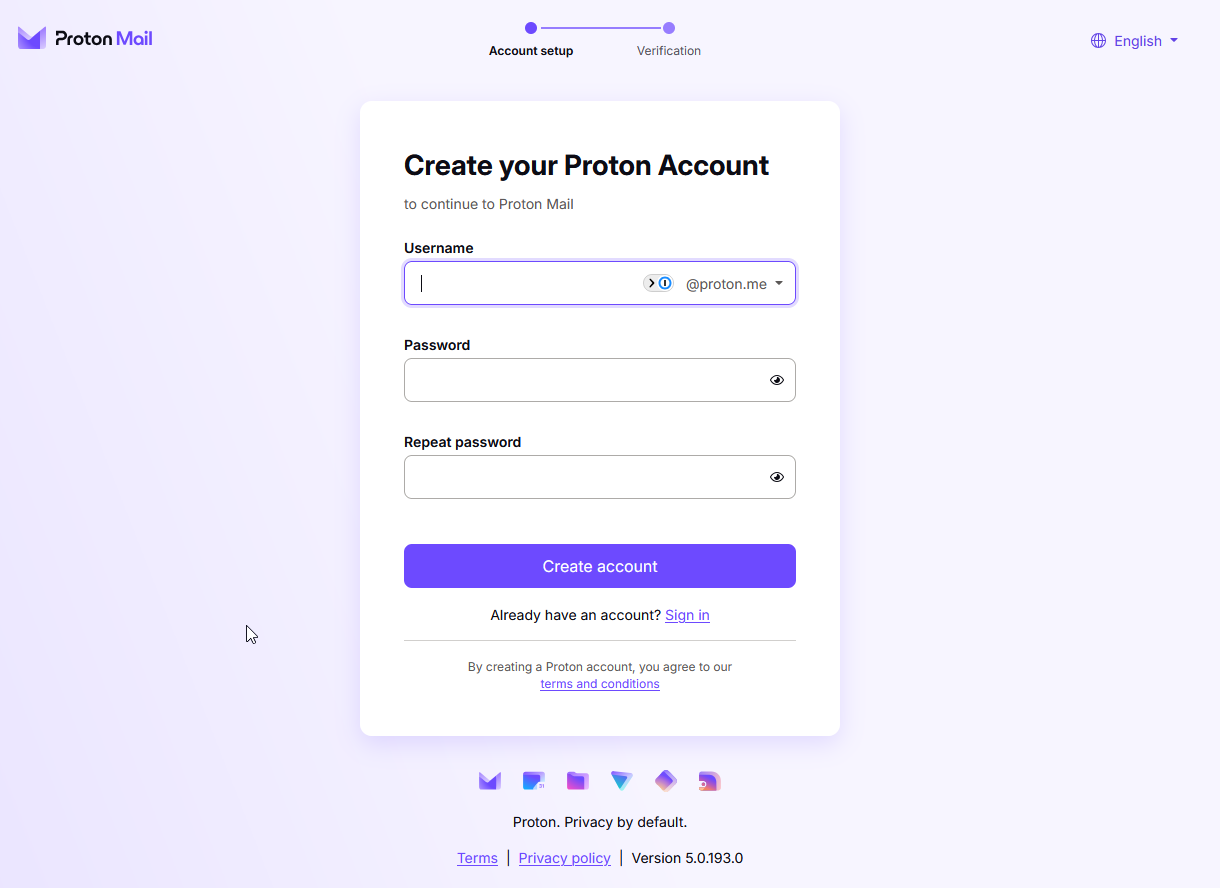
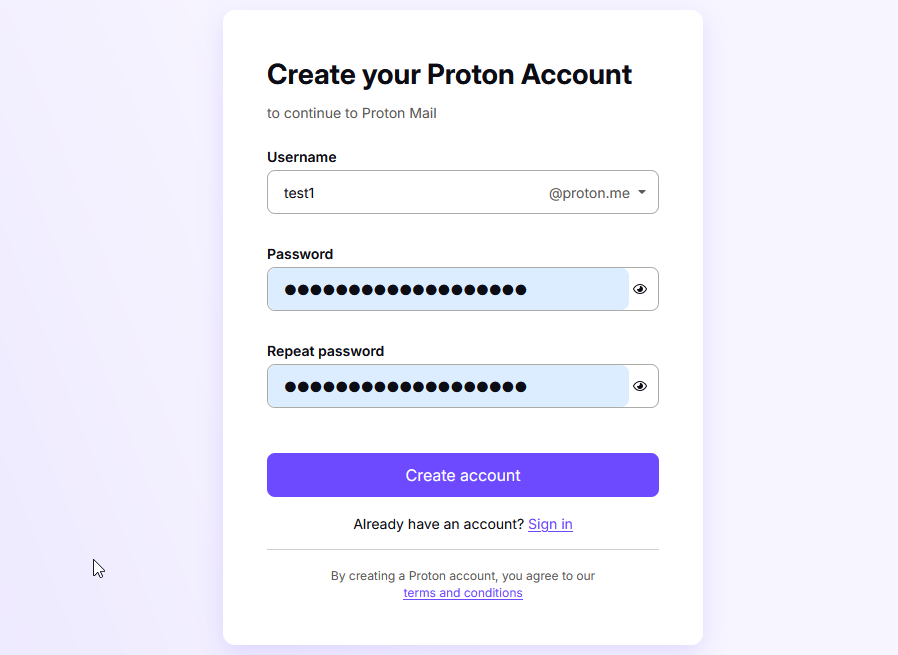
2️⃣ Fill out your details:
- Choose a username and password.
- 📌 Important: Back up these details in a secure location!
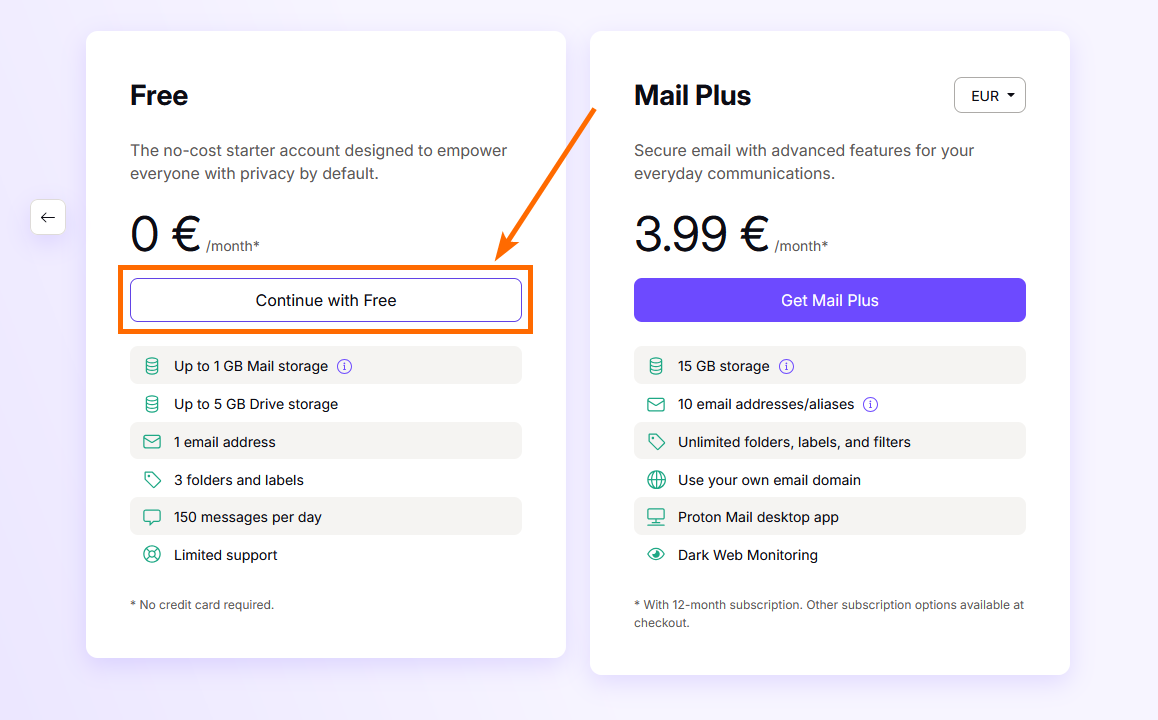
3️⃣ Select the free plan:
- Click Continue with Free.
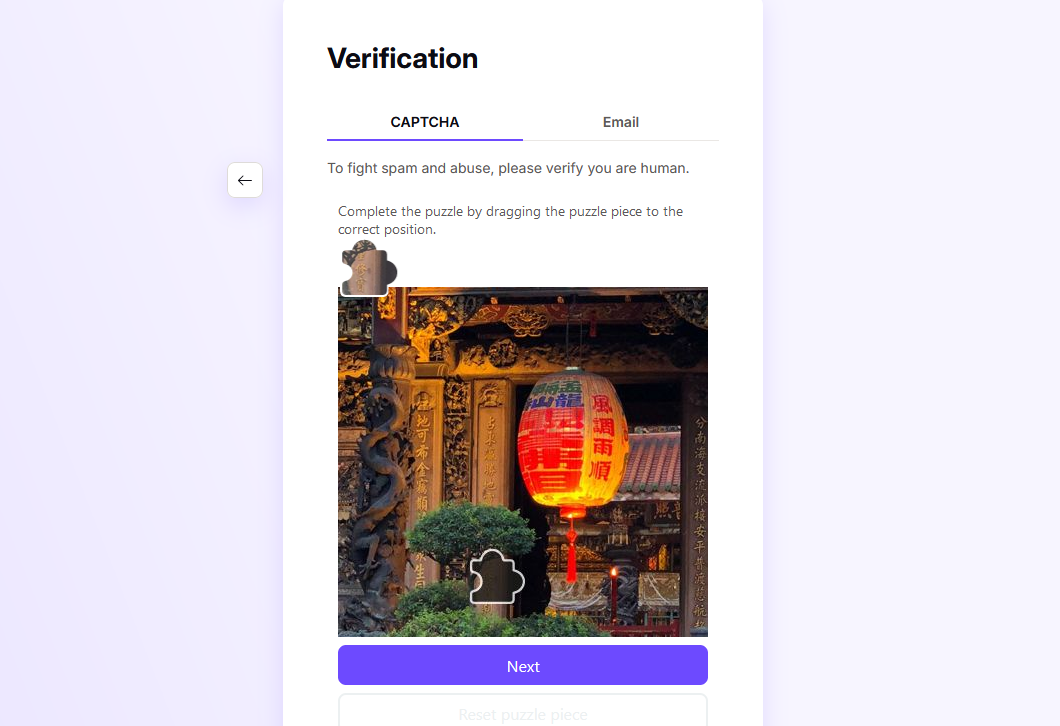
4️⃣ Complete the captcha:
- Prove you're not a robot (or select the captcha via email option).
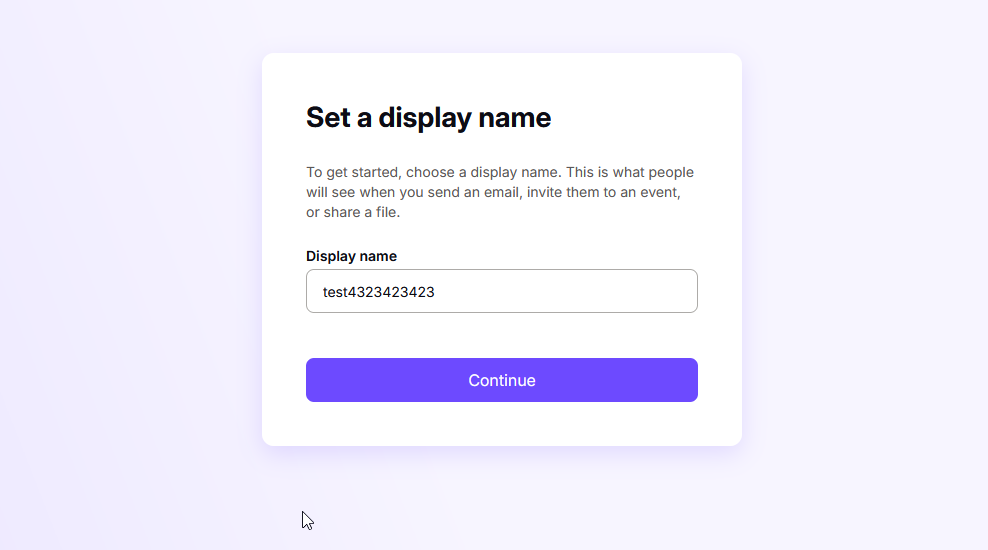
5️⃣ Set your display name:
- Choose how your name appears in emails.
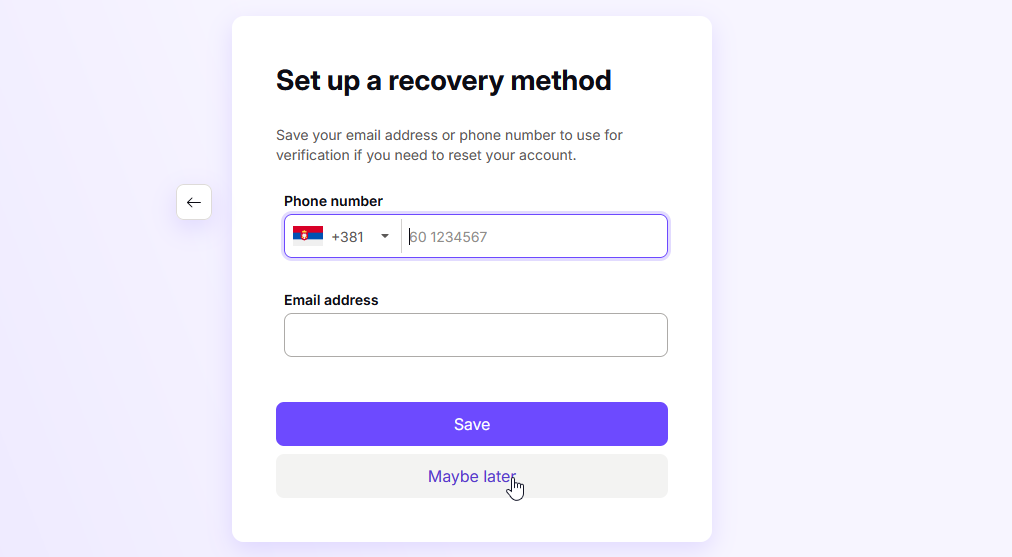
6️⃣ Skip adding a phone:
- Choose Add phone later for privacy.
7️⃣ Finish setup:
- Congratulations! Your new recovery email is now ready to use.
🎯 With your Proton Mail account ready, head back to the Changing Your Recovery Email guide to complete the process of updating the recovery email to your new proton email.