1️⃣ Download and Install the App
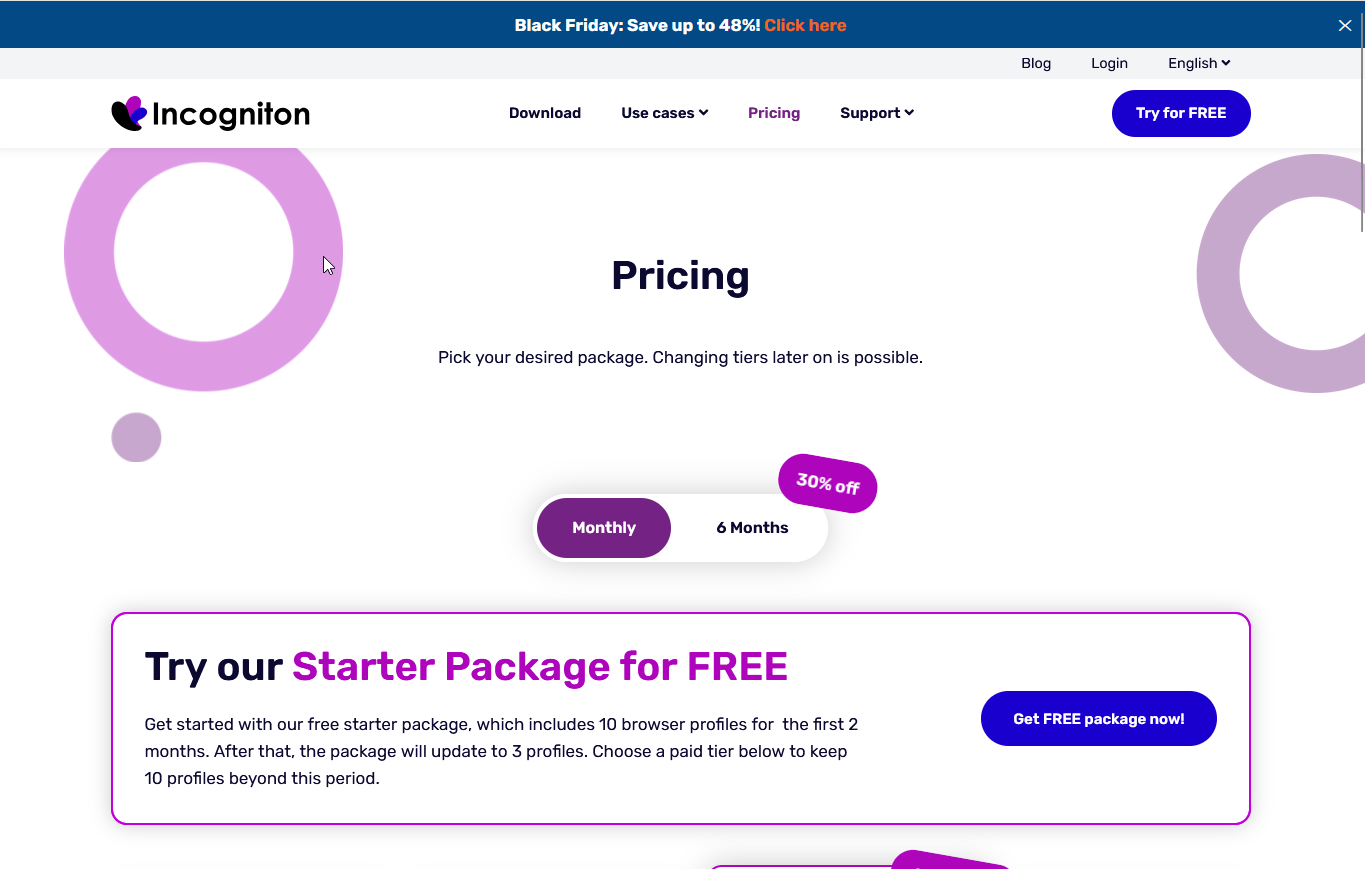
- Visit the Incogniton Pricing Page.
- Choose the free version or select a subscription plan that fits your needs.
- Download and install the app on your device.
📌 Ensure your device meets the system requirements before installation.
2️⃣ Open the App and Create a New Profile
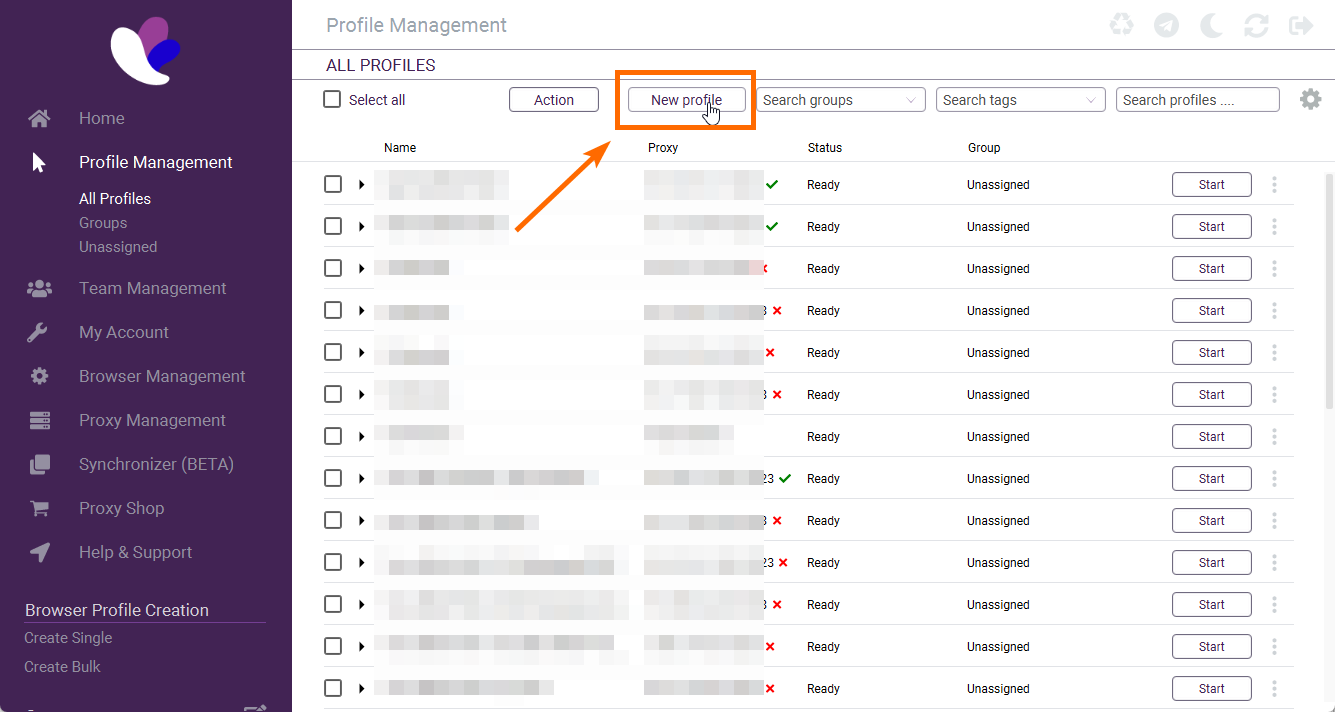
- Launch the Incogniton app.
- Click on "New Profile" to start setting up a new browsing profile.
3️⃣ Name Your Profile
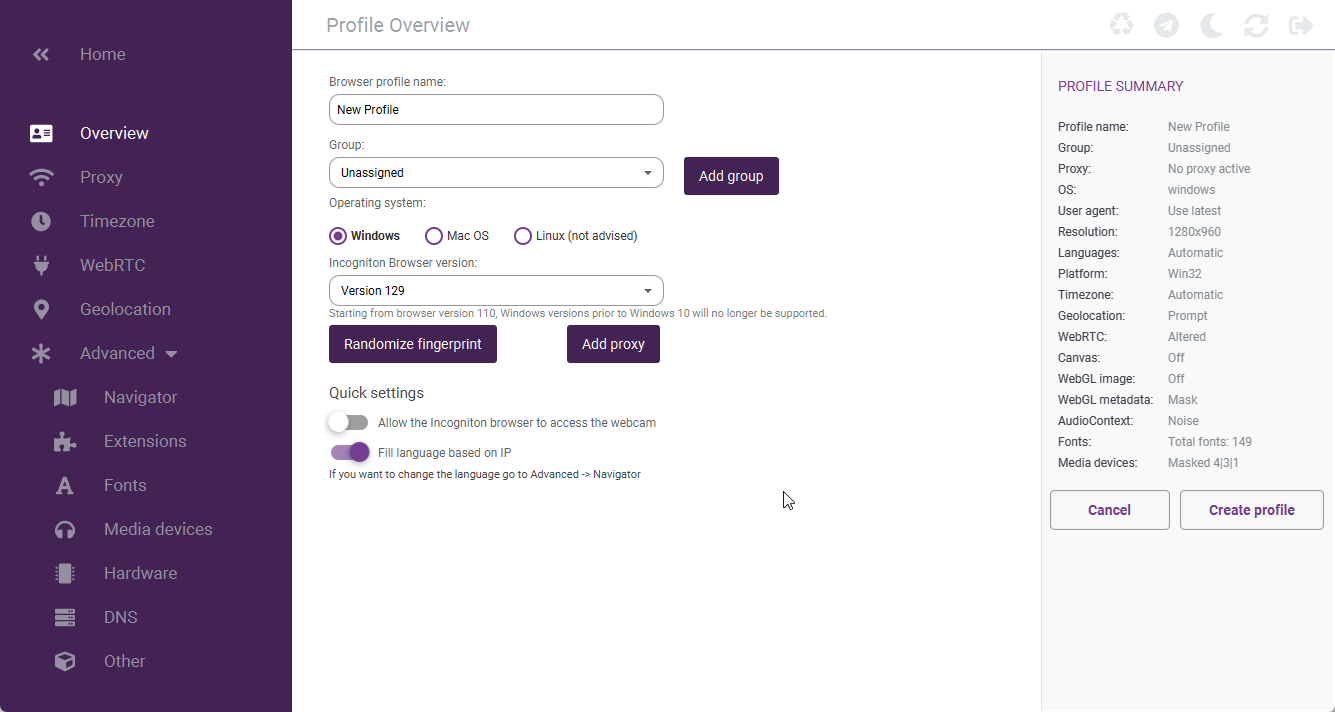
- Enter a unique name for your profile.
- (Optional) Assign it to a group for better organization.
4️⃣ Add a Proxy
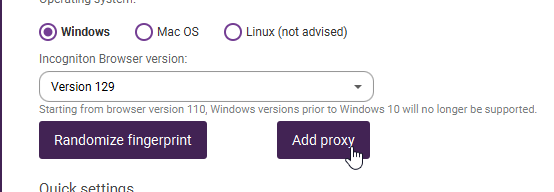
- Click on the "Add Proxy" option to set up a proxy for your profile.
5️⃣ Get a Proxy
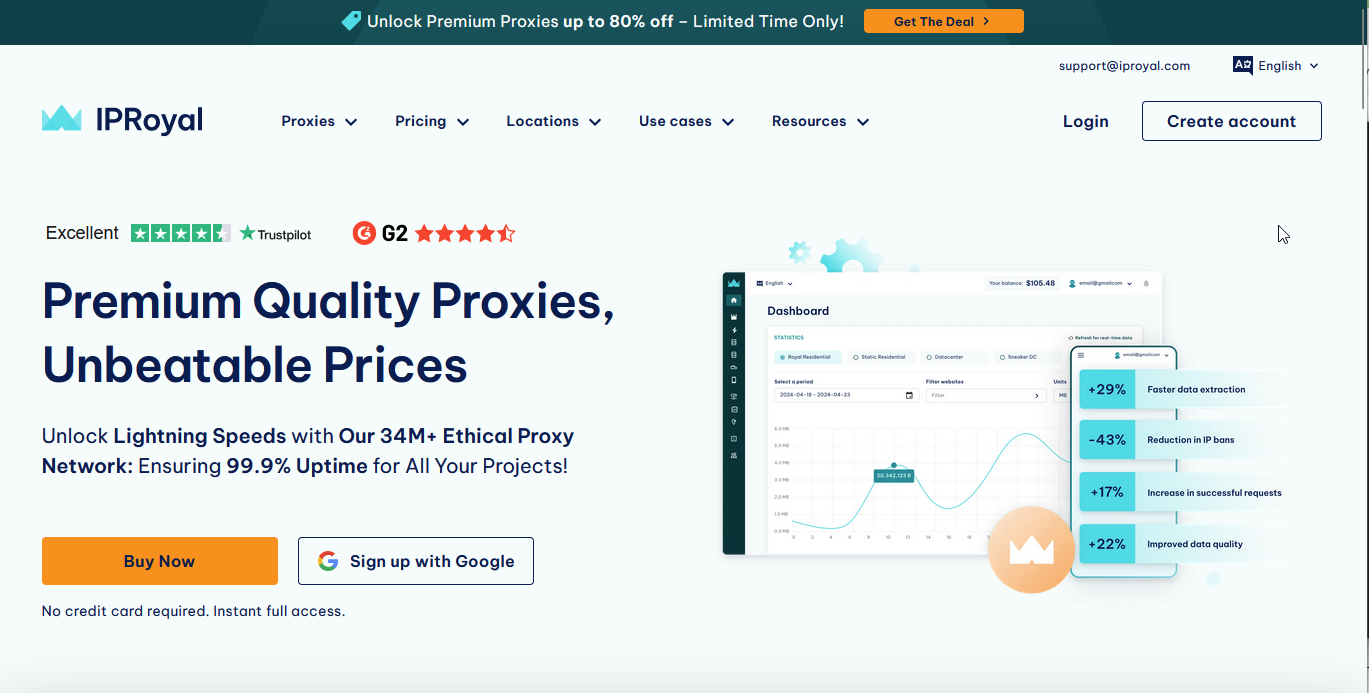
- Visit a trusted proxy provider like IPRoyal or a similar website.
- Purchase a proxy that fits your requirements.
📌 Ensure that the proxy location matches the region you want to browse from.
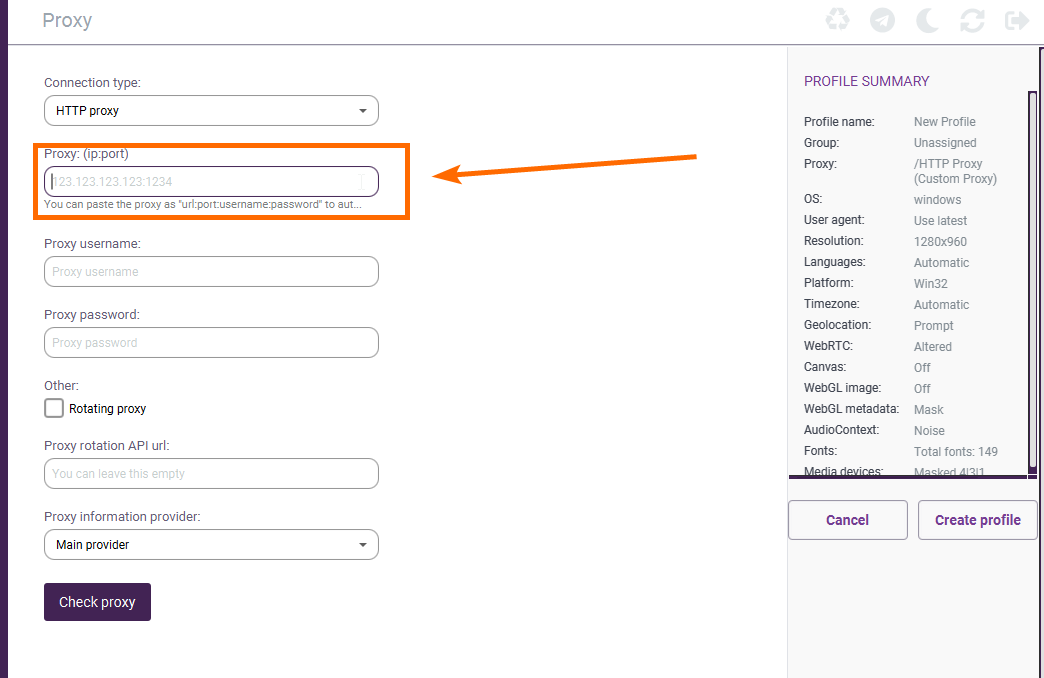
6️⃣ Enter and Test the Proxy
- Copy the proxy details (IP:Port format).
- Paste the proxy into the field labeled "Proxy: (IP:Port)" in the app.
- Click on "Check Proxy" to confirm that it’s working.
✅ If the test fails, try using a different proxy.
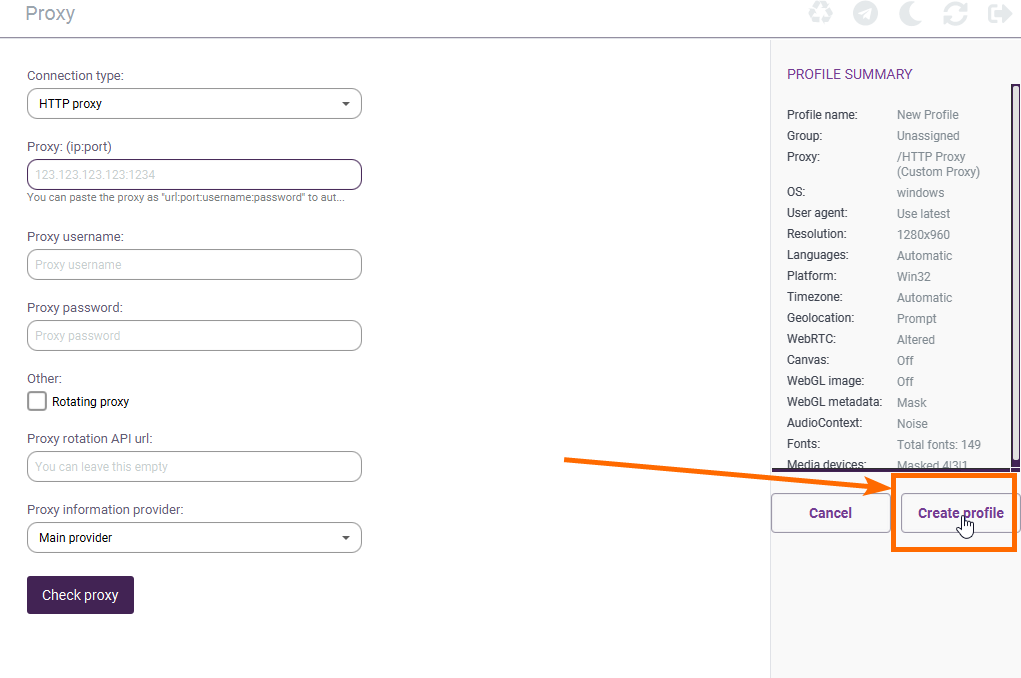
7️⃣ Create Your Profile
- If the proxy is working correctly, click on "Create Profile."
- If the proxy test fails, replace it with a new one and repeat step 6.
8️⃣ Pro Tips for Best Performance
🔹 Warm Up the Proxy
Before using the profile for important tasks, browse for 20-30 minutes on different websites like:
✔️ CNN
✔️ Amazon
✔️ ChatGPT
🔹 Use the Correct Facebook URL
✅ Always access mbasic.facebook.com
❌ Avoid facebook.com to prevent security triggers.
🔹 Improve Security
- Change all passwords and enable 2FA for added protection.
🎉 That’s it! Your Incogniton profile is now set up and ready to use. 🚀
Need Help?
If you have any issues or questions, feel free to reach out—we’re here to assist you! 😊
📞 Contact Support:
🔹 Email: help@roninglobal.io
🔹 Whatsapp: https://api.whatsapp.com/send?phone=15557245111
🔹 Telegram: https://t.me/RoninAccounts_bot