Changing Your Password on Facebook
Step-by-Step Guide: Changing Your Password on Facebook
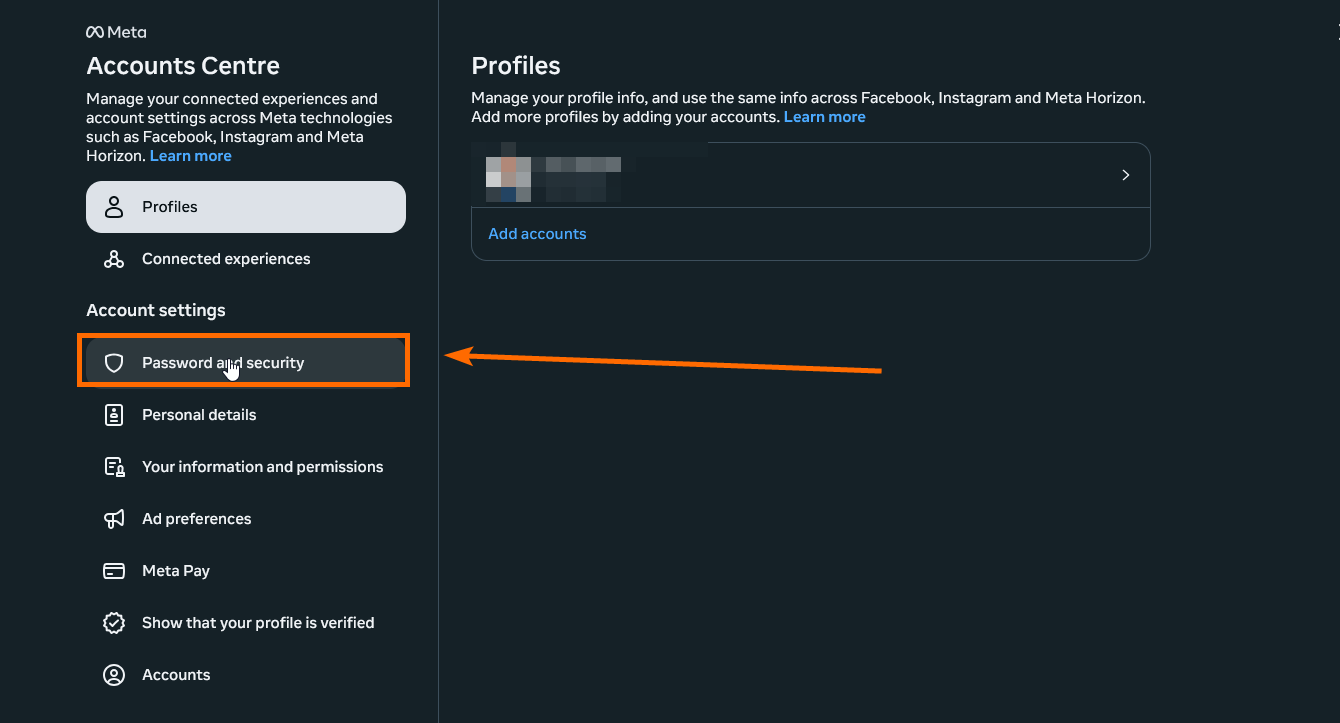
1️⃣ Access the Account Center
2️⃣ Open Password and Security Settings
- Click on Password and Security from the menu.
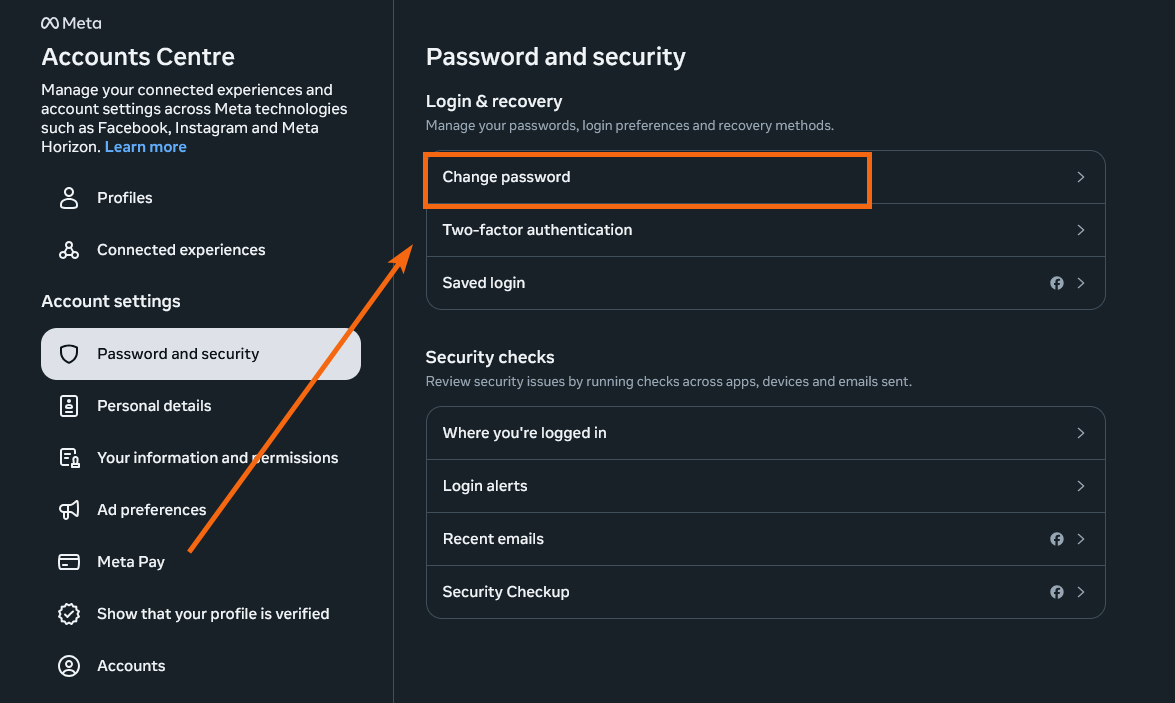
3️⃣ Go to Change password
- Select Change password from the options.
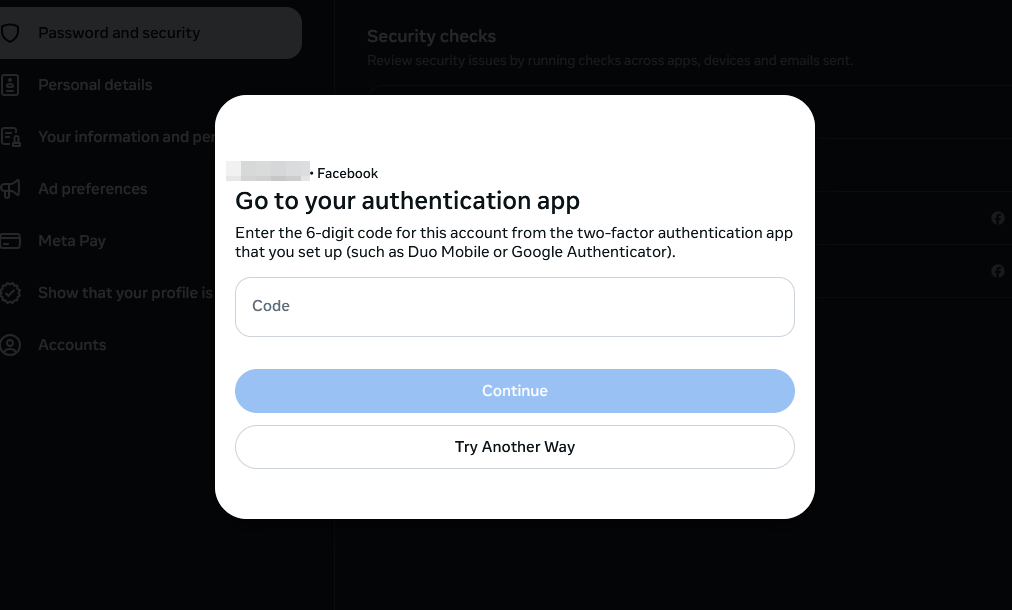
4️⃣ Select Your Profile and Verify 2FA
- Choose the profile you want to update.
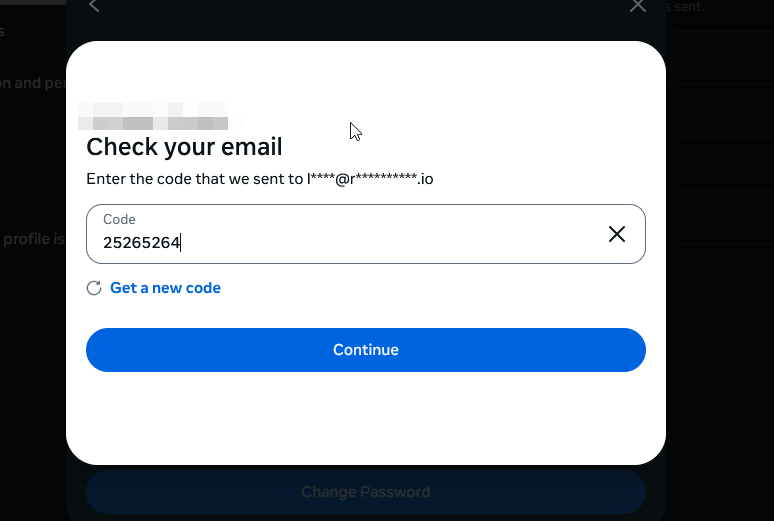
- Enter your current 2FA method or code sent to email when prompted.
5️⃣ Change the Password
- Enter the old and new passwords and click Change Password